
Product repository: INNO-MAKER/CAM-MIPI-IMX415
CAM-MIPI-IMX415
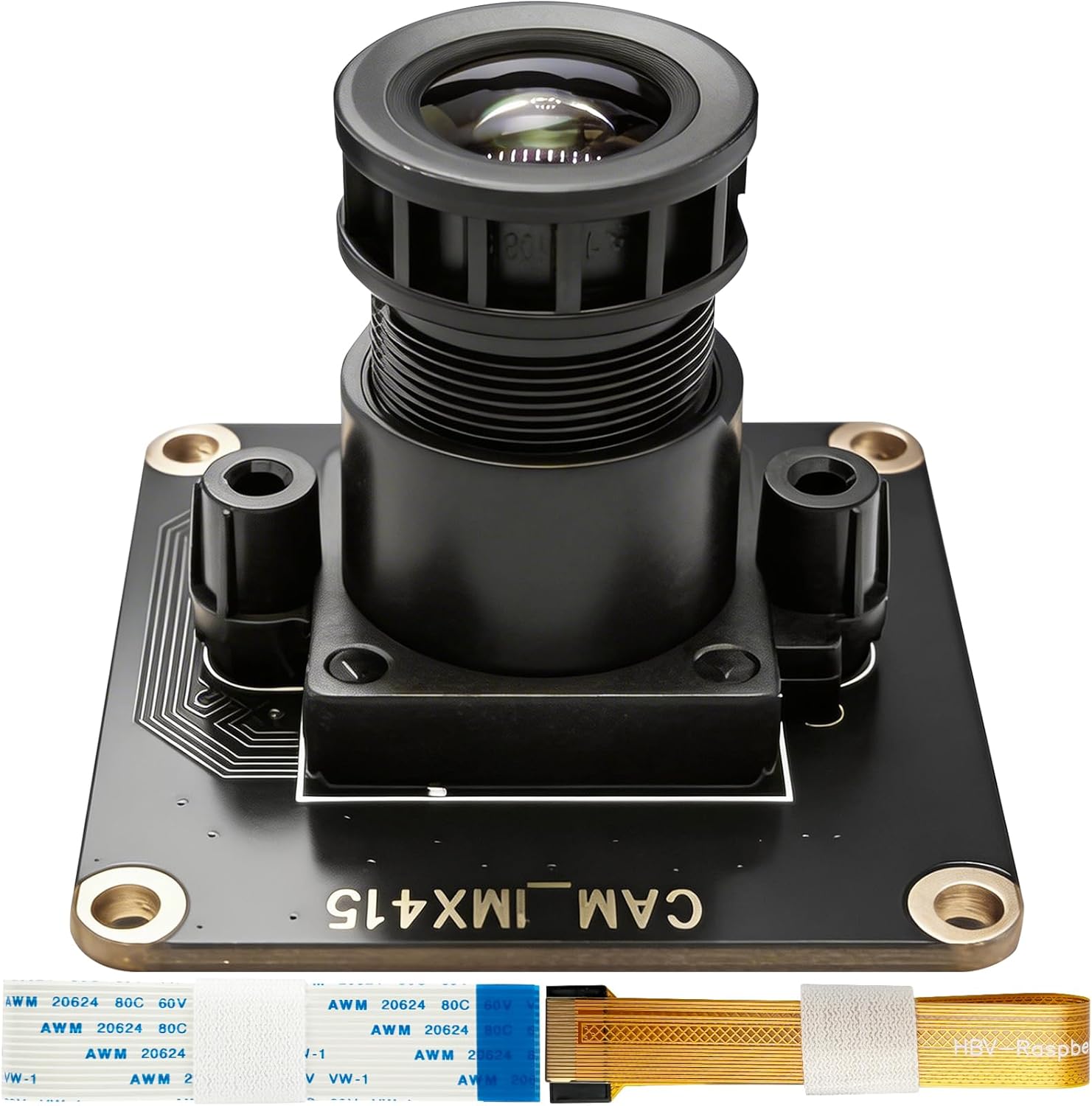
The CAM-MIPI-IMX415 is a 4K-capable camera module designed for Raspberry Pi, featuring the Sony IMX415 image sensor. With its high resolution and excellent low-light performance, this module is well suited for applications such as surveillance, machine vision, and high-quality imaging projects. It is fully compatible with the official libcamera stack on both Raspberry Pi 4 and Raspberry Pi 5.
Features
- Sensor: Sony IMX415 — 8.42 Megapixel (4K) CMOS Image Sensor
- Interface: MIPI CSI-2
- Compatibility: Raspberry Pi 4 and Raspberry Pi 5
- Software Support: Works with
libcameraandrpicam-apps - Low-light Performance: High sensitivity suitable for night-vision and low-light environments
Repository Contents
| File | Description |
|---|---|
CAM-IMX415-4K UserManual.pdf | Full user manual with hardware specifications and setup guide |
images/imx415.jpg | Product image |
Quick Start
1. Hardware Connection
Connect the CAM-MIPI-IMX415 module to the MIPI CSI camera port on your Raspberry Pi using the provided ribbon cable. Make sure the metal contacts on the cable face the correct direction as indicated in the user manual.
2. Configure /boot/config.txt
Open the boot configuration file for your Raspberry Pi model:
# Raspberry Pi 5
sudo nano /boot/firmware/config.txt

# Raspberry Pi 4 / 3 / Zero
sudo nano /boot/config.txt
Add the following lines at the bottom of the file:
camera_auto_detect=0

# For Pi 5 — CSI port 0 (default)
dtoverlay=imx415,cam0

# For Pi 5 — CSI port 1 (if using the second port)
# dtoverlay=imx415,cam1
Save the file and reboot:
sudo reboot3. Verify Camera Detection
After rebooting, verify the camera is detected:
rpicam-hello --list-cameras4. Capture Images and Video
# Preview
rpicam-hello -t 0

# Capture a JPEG image
rpicam-still -o image.jpg

# Record a video (10 seconds)
rpicam-vid -t 10000 -o video.h264
Preset OS Image
A pre-configured Raspberry Pi OS image with all drivers and software pre-installed is available for download:
Download: https://www.jianguoyun.com/p/DWqJpGAQpdSrBxil9p8GIAA
Password: exgk55
Documentation
For detailed hardware specifications, driver installation, and advanced configuration, please refer to the CAM-IMX415-4K UserManual.pdf included in this repository.
Support
For technical support and product information, please visit INNO-MAKER.